

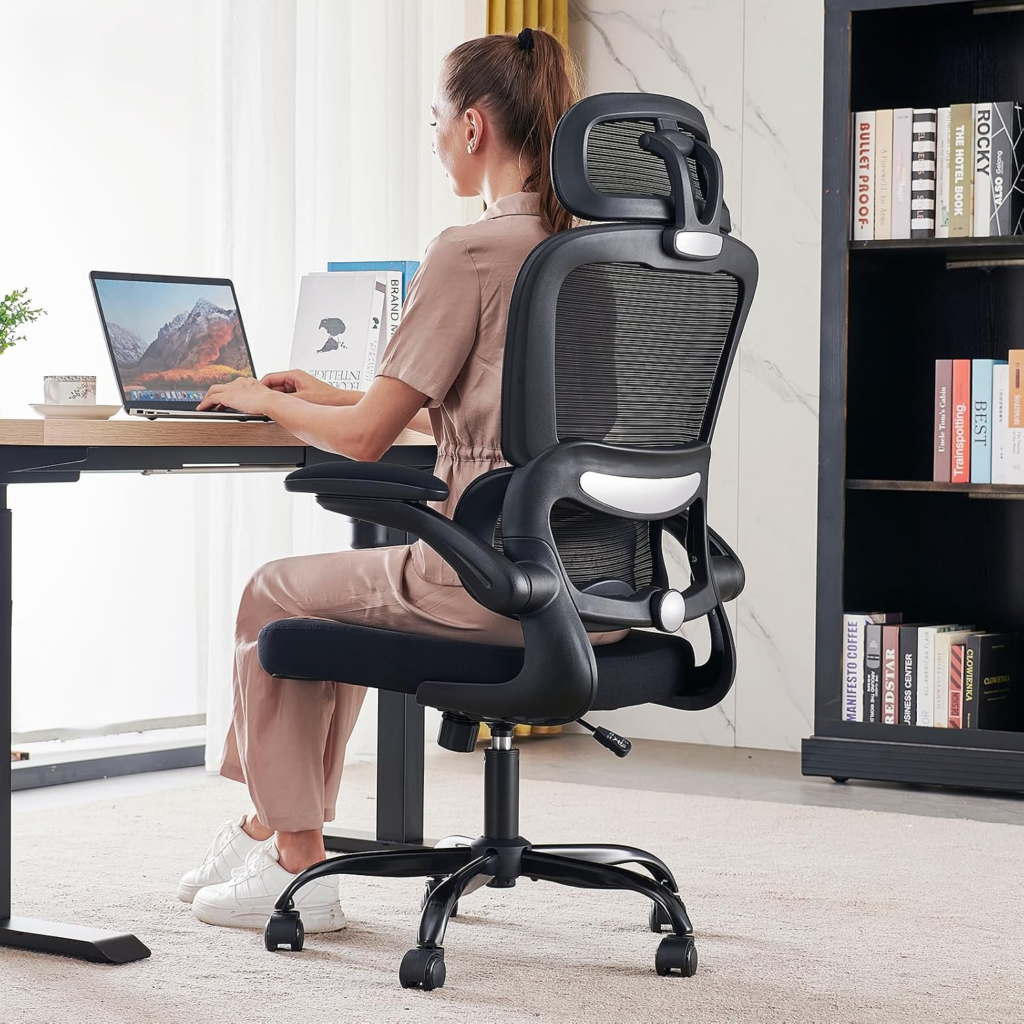
Most ergonomic advice out there assumes you’ve got a spare room, a real desk, and enough space to set everything up like it’s straight out of a workplace safety manual. For most people working from home, that’s just not reality. It’s a corner of the bedroom, a kitchen table, maybe a laptop balanced on the couch. And a few months in, the neck pain and stiff back show up to remind you it wasn’t such a great setup after all.
Here’s the part that doesn’t get said enough though: decent ergonomics doesn’t actually need a dedicated office. It just needs you to know which two or three things matter most, so you can fix those first even if the rest of your space isn’t ideal.
Get the Screen to Eye Level First
Hunching over a laptop screen for hours is probably the single biggest cause of neck and shoulder pain, and it’s also the cheapest thing to fix. Prop the laptop up so the top of the screen sits roughly at eye level — a stack of books works fine, so does a sturdy box. If your budget allows for a separate keyboard and mouse, even better, since that lets you keep the screen raised without your hands stuck up near your chin all day.
The Chair Beats the Desk, Every Time
If there’s only budget for one upgrade, put it toward the chair, not the desk. A dining chair might feel okay for the first hour, but stack up a full workday on it and the lack of lower back support catches up fast. You don’t need to spend a fortune here either — a firm cushion behind your lower back, or honestly just a rolled-up towel, can take a surprising amount of strain off if a proper ergonomic chair isn’t in the cards right now.
Use the Walls, Not Just the Floor
Small rooms usually have more vertical space than people actually use. A shelf mounted above the desk can hold a monitor, some lighting, whatever you need, without eating into floor space you don’t have to spare. A rolling cart that tucks away when you’re done for the day works too, and it matters more than it sounds like it should — especially if your “office” doubles as your bedroom.
Give the Workday a Clear Ending
One thing that trips people up in small setups is that work never really feels like it stops, since the workspace and the living space are the exact same square footage. Something as small as closing the laptop and packing it away at the end of the day gives your brain a physical signal that the workday is done. It’s a small thing, but it does more for the work-life boundary than people expect.
Actually Get Up and Move
No desk setup fixes what happens after eight straight hours of sitting still, no matter how well it’s arranged. Standing up, stretching, walking around for a few minutes every hour or so matters even more in a small, static setup, since there’s no natural movement between rooms or meetings to break things up. Struggling to remember to do this is pretty normal — it fits well with a few of the habits in our daily productivity guide, since short breaks help with more than just posture.
Don’t Ignore the Lighting
Working under one dim overhead bulb tends to cause eye strain and headaches without you quite realizing why you feel off by the afternoon. A desk lamp with adjustable brightness, angled so it doesn’t glare on the screen, is a small purchase that makes a bigger difference than it seems like it should, especially once the days get shorter.
A Footrest Fixes More Than You’d Think
If the chair sits a little too high for the desk, or your feet don’t quite reach the floor, a footrest helps a lot more than expected. Again, doesn’t need to be fancy. A stack of books under the desk does the job just as well.
Bottom Line
A good ergonomic setup isn’t really about having a dedicated office or expensive furniture — it’s about figuring out the couple of adjustments that actually cut down on strain and doing those first. For most people working in tight spaces, fixing screen height and getting some decent back support solves the bulk of the problem. Everything else can come later, whenever space and budget allow for it.